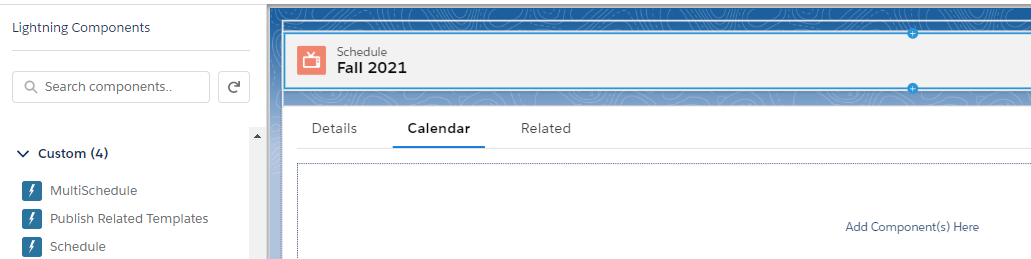
The Scheduler offers two ways to display your Schedule Calendars: Single and Multi.
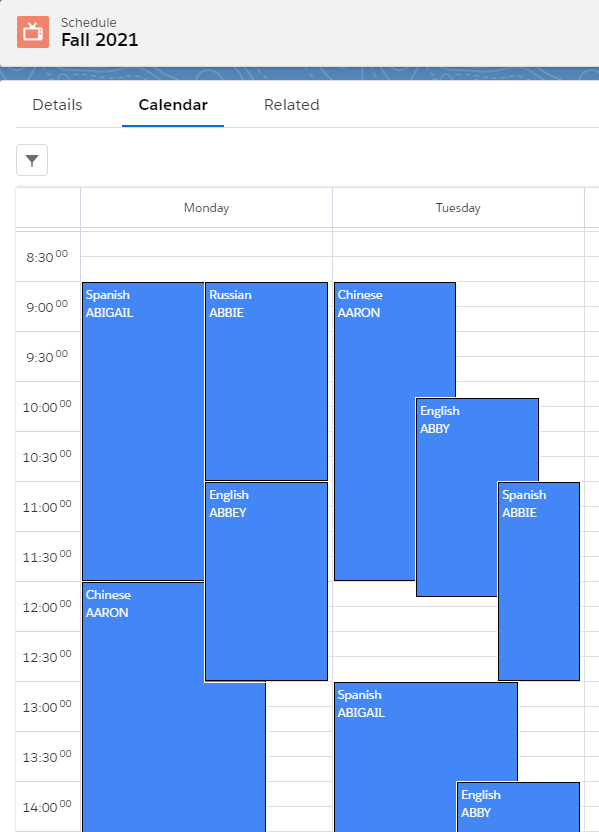
The Single Scheduler shows days on the top horizontal axis, and hours on the left vertical axis:
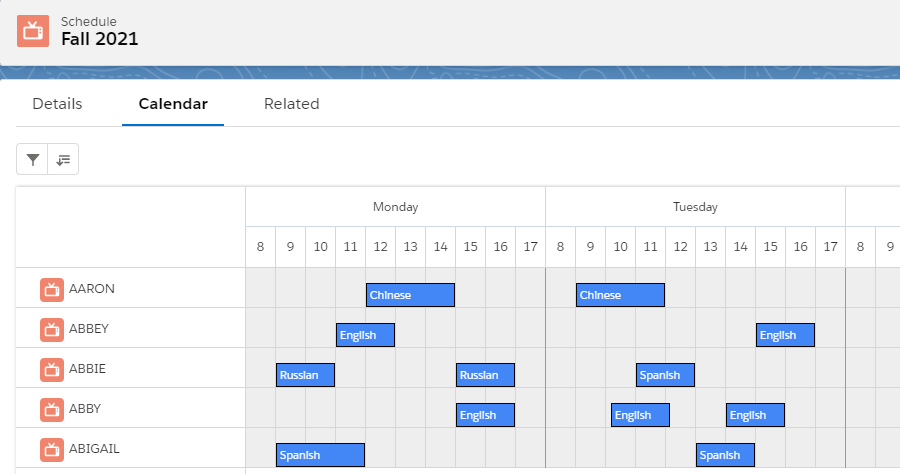
The Multi Scheduler shows days and hours on the top horizontal axis, and the relevant dimensions (either Staff, Resources, or any other custom object) on the left vertical axis:
Editing the Schedule record page
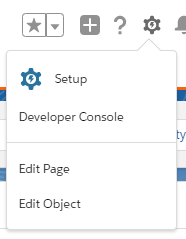
Assuming you are on a Schedule record page, you can configure which display to use by clicking on the gear icon and then on 'Edit Page':
If you are not on a Schedule record page, another way to get there is to click on the gear icon and then Setup > Object Manager > Schedule > Lightning Record Pages.
Now select either Schedule (for the Single Scheduler) or MultiSchedule from the Lightning components on the left hand side, and drag it onto the page: