
The Frontend builder is designed to easily be added to any site.
This article outlines how to add the frontend builder to websites not managed by Salesforce. Refer to this documentation for information on configuring a Frontend on Experience Cloud.
This process has the following pre-requisites:
-
The GoMeddo package and GoMeddo Frontend Builder package have both been installed in a Salesforce environment. The GoMeddo package has additionally been configured as required.
To add the frontend builder widget to an external site:
-
Select Activate in the dropdown on the configured frontend builder.
-
Select Get Snippet on the frontend builder
-
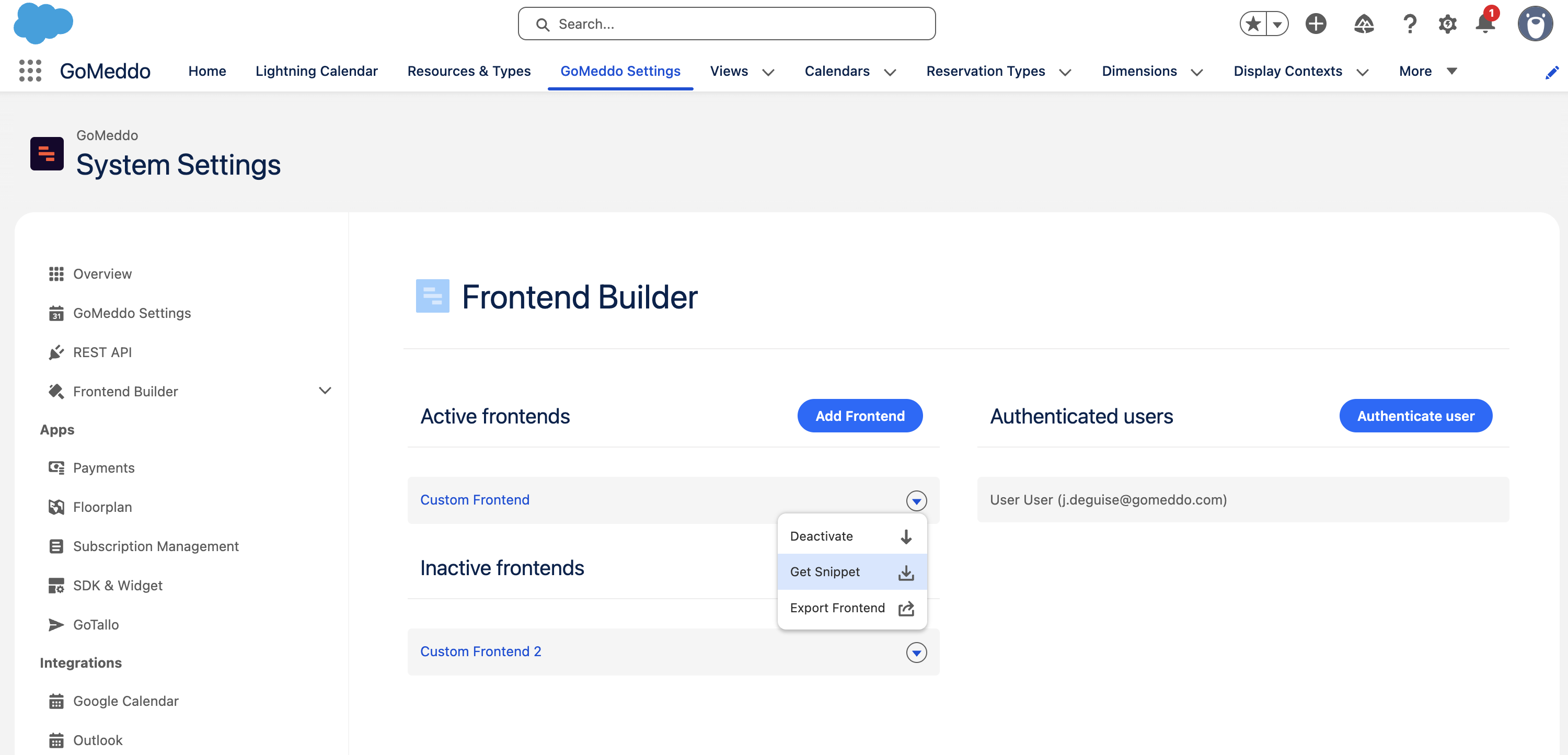
From the modal, copy the code to the clipboard.
-
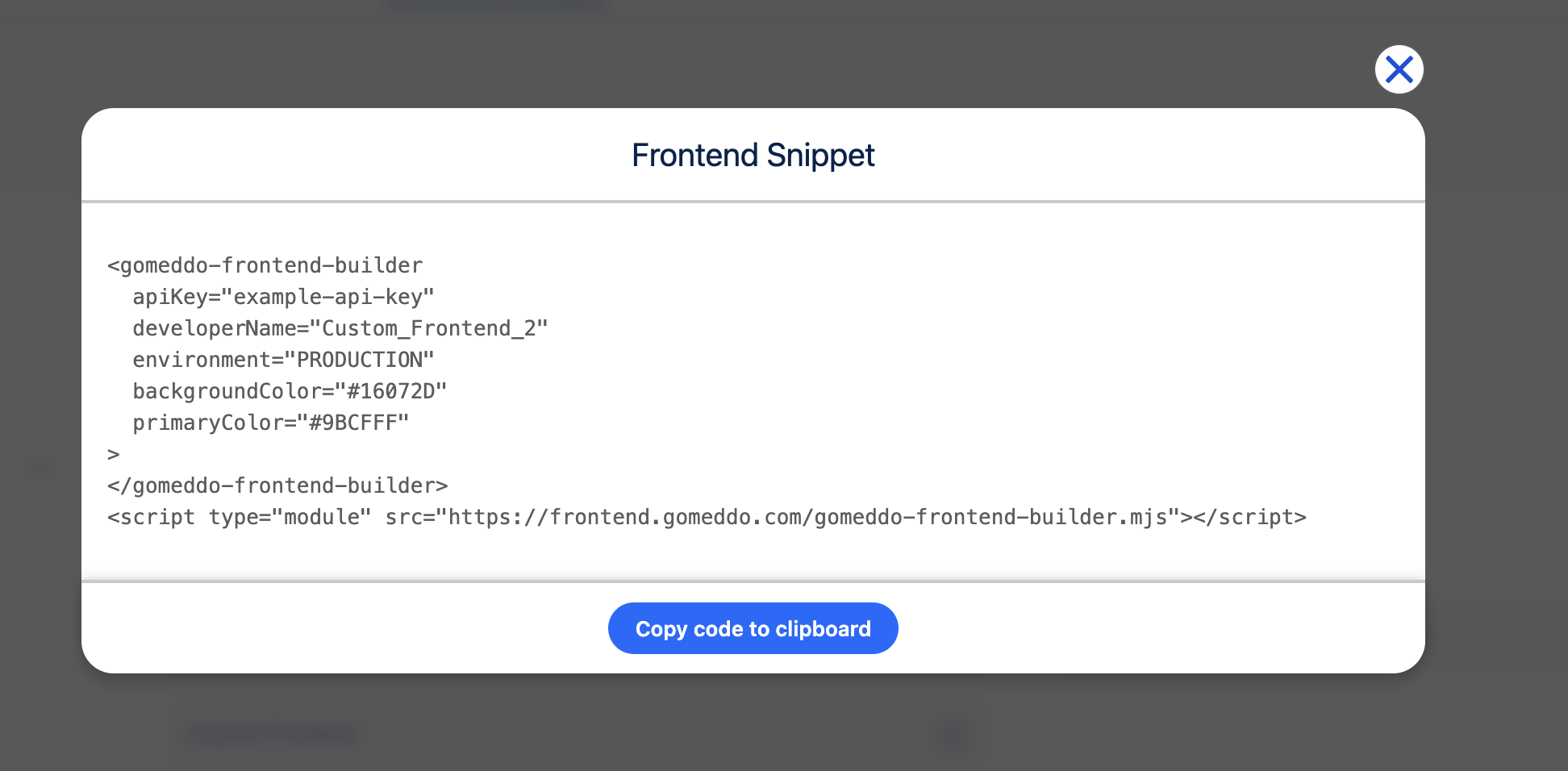
Paste the code into the intended section of the website - for instance, within the body of the page. No additional dependencies or scripts need to be included.
-
If configured correctly, the embedded frontend builder snippet should:
-
Fully load with the color themes configured within Salesforce
-
Call out to Salesforce to load the frontend data, and
-
Initialize the first step of the process.
-
Frequently Asked Questions
Will the “Book Now” and “Payment Portal” buttons each have separate embed codes or links?
No separate embed codes or links are required for immediate booking or for payment processing.
The “Book Now” button will function as expected out of the box (called “Submit” by default).
The Payment button requires some additional configuration. When completed it will load within the context of the original frontend snippet.