
This step is shown to the user after the Reservation has been successfully created, indicating that the booking has been confirmed.
Step Configuration
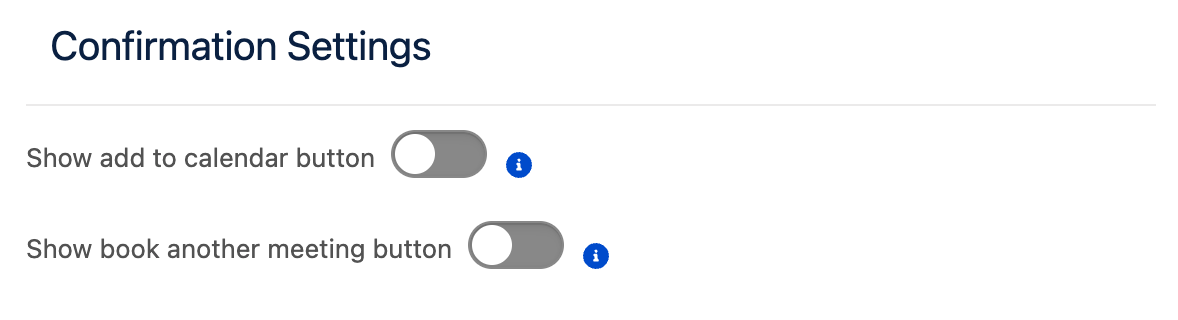
Confirmation Settings
This section allows you to configure the actions available to the user after confirmation.
The following settings are available:
|
Option |
Description |
|---|---|
|
Show add to calendar button |
Displays buttons that allow the user to add the booking to their preferred calendar (for example, Google Calendar, Outlook, or iCal).
|
|
Show book another meeting button |
Displays a button that allows the user to start a new booking flow.
|